
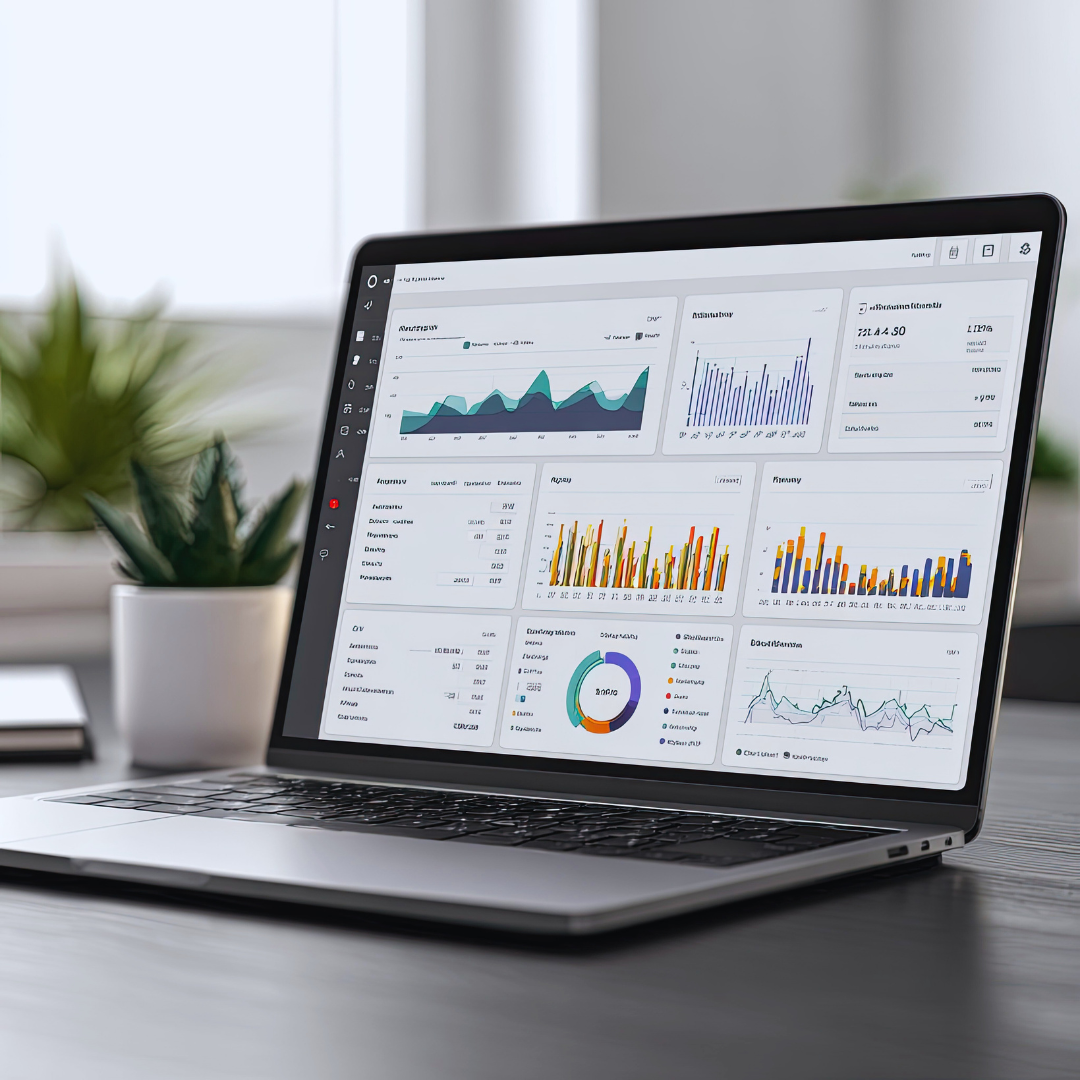
Small businesses need reliable analytics tools to understand customer behavior, track performance, and make data-driven decisions. Choosing the right tool can improve efficiency and highlight growth opportunities without overwhelming budgets or resources. The best analytics tools for small businesses offer a balance of ease of use, affordability, and actionable insights.
These tools help businesses monitor website traffic, sales trends, and marketing effectiveness in real time. Many also integrate with existing platforms, making data collection and interpretation straightforward. With the right analytics, small businesses can compete more effectively and optimize their strategies based on measurable results.
Core Features of Analytics Tools
Effective analytics tools capture detailed data, present it clearly, and connect smoothly with other software. These aspects enable small businesses to monitor performance, customize insights, and automate workflows efficiently.
Data Tracking Capabilities
Analytics tools must track various metrics across websites, apps, or sales platforms. Common tracking includes visitor behavior, conversion rates, sales trends, and customer demographics. Precise data capture allows small businesses to identify strengths and areas for improvement.
Real-time tracking is often crucial. The ability to see live updates on traffic or sales supports quicker decisions. Some tools offer event tracking, which logs specific user actions like clicks or form submissions. This helps in understanding engagement with particular content or features.
Reliable data collection involves minimizing errors and preserving data accuracy. Tools that offer filtering options can exclude irrelevant information, improving report quality.
User Interface and Dashboard Customization
A clear, intuitive interface reduces the learning curve and speeds up data analysis. Dashboards should present key metrics at a glance, using visuals such as graphs, charts, and tables. Customizable dashboards let users prioritize the data most relevant to their goals.
Interactive elements like filters and drill-down options enhance exploration. Users can manipulate data views without exporting reports, saving time. Color coding and alerts for critical thresholds improve quick recognition of important trends.
Mobile-friendly interfaces provide access on the go, ensuring insights are available anytime. User roles and permissions enable controlled access, maintaining data security while allowing collaboration.
Integration With Business Applications
Seamless integration with tools like CRMs, email marketing platforms, and e-commerce systems expands the value of analytics software. Data syncing reduces manual entry and ensures consistency across departments.
Common integrations include Salesforce, Mailchimp, Shopify, and Google Ads. These connections allow combined data analysis, such as linking marketing campaigns directly to sales outcomes.
APIs and pre-built connectors simplify setup but may vary in availability depending on the tool. Integration capabilities can determine how well an analytics solution fits within an existing tech stack.
Regular updates and support for new applications indicate ongoing compatibility, crucial for evolving small business needs.
Top Analytics Tools for Small Businesses
Effective analytics tools provide clear visualizations, user-friendly interfaces, and detailed data tracking capabilities. They help small businesses monitor customer behavior, track sales trends, and optimize marketing efforts without requiring extensive technical expertise.
Google Analytics
Google Analytics is a widely used free tool that tracks website traffic and user behavior. It offers detailed reports on visitor demographics, acquisition channels, and conversion rates. Its integration with other Google products like Ads and Search Console makes it a versatile platform for managing digital marketing efforts.
Small businesses benefit from real-time data and customizable dashboards. Advanced features like goal tracking and event tracking provide insights into user interactions. The learning curve is moderate, but numerous resources and tutorials are available to help users maximize its potential.
Mixpanel
Mixpanel specializes in product and user behavior analytics. It focuses on tracking specific actions users take within an app or website, such as clicks, purchases, or sign-ups. This event-based tracking delivers granular insights into user engagement and retention.
Small businesses use Mixpanel to understand customer journeys and optimize funnels. Features include cohort analysis, A/B testing, and automated reports. While its interface is intuitive, pricing may increase as data volume grows, making it important to evaluate cost against needs.
Tableau
Tableau is a powerful data visualization tool designed to turn raw data into interactive dashboards and reports. It supports a wide range of data sources, including spreadsheets, databases, and cloud services. Tableau’s drag-and-drop interface allows users to create custom reports without coding.
For small businesses, Tableau offers a Professional version that balances functionality with affordability. Its ability to visualize complex datasets helps decision-makers identify trends and anomalies quickly. Tableau also supports collaboration by sharing reports across teams.
Zoho Analytics
Zoho Analytics is a cloud-based business intelligence tool known for its ease of use and integration capabilities. It connects with various data sources such as CRM systems, spreadsheets, and databases to generate insightful reports and dashboards.
Small businesses appreciate Zoho Analytics for its AI-powered data analysis features like automated insights and predictive analytics. It includes pre-built templates and drag-and-drop reporting, reducing setup time. Pricing is competitive and scales with data volume and user count.
Comparing Analytics Platforms
Small businesses need analytics tools that balance cost, ease of use, and support. These factors determine how well the platform fits into daily operations and scales with business growth.
Pricing and Scalability
Pricing often varies based on features, user seats, and data limits. Many platforms offer tiered plans, starting with free or low-cost options suitable for small datasets. For example, Google Analytics is free but has data processing limits, while tools like Mixpanel and Amplitude charge based on event volume or active users.
Scalability matters because, as data grows, costs can rise quickly. Choose platforms with flexible pricing or customizable packages. Consider future business needs—if you expect fast growth, pick platforms that handle increased data without exponentially higher costs. Look for clear pricing structures to avoid hidden fees.
Ease of Implementation
Implementation ranges from simple snippet installations to complex integrations. Platforms like Google Analytics and Hotjar provide easy setup with basic JavaScript code, requiring minimal technical skill. Others, such as Adobe Analytics, need more technical knowledge and dedicated developer support.
Data integrations with CRM, e-commerce platforms, or databases can affect setup time. Choose tools compatible with existing systems. User-friendly dashboards and templates reduce the learning curve for non-technical staff, speeding adoption and data usage.
Support and Resources
Reliable customer support improves platform usability. Options include email, live chat, phone support, and dedicated account managers. Free tiers often have limited support, while paid plans offer quicker, more personalized help.
Educational resources like tutorials, webinars, and forums assist users in maximizing features. Some platforms provide certified training or community events. Check if support is available in your time zone and what channels are prioritized for your subscription level.
How to Choose the Right Analytics Tool
Choosing an analytics tool requires careful consideration of your business’s unique demands and technology setup. The decision hinges on understanding what data you need and how your current systems integrate with potential solutions.
Evaluating Business Needs
Start by identifying the specific goals you want analytics to achieve. For example, tracking customer behavior, measuring marketing campaigns, or optimizing sales pipelines each demand different data types.
Prioritize features like real-time reporting if quick decisions are critical. Also, consider whether the tool needs to support multiple users or departments. Budget constraints are important too, as some platforms charge per user or data volume.
Create a checklist of must-have functions such as data visualization, custom dashboards, or automated alerts. This helps filter out tools that don’t align with your business priorities.
Assessing Technical Requirements
Consider your existing technical infrastructure, including CRM software, databases, or e-commerce platforms. The analytics tool should seamlessly integrate with these systems to avoid data silos.
Evaluate the ease of implementation. Cloud-based tools usually require less IT support than on-premise solutions. Check if the tool supports data export formats you use for further analysis.
Data security is key, especially if handling sensitive customer information. Ensure the provider follows industry standards like GDPR or CCPA compliance.
Finally, review the tool’s scalability in case your data volume or user count grows over time. This prevents costly upgrades or migrations later.
Best Practices for Using Analytics Tools
Effective use of analytics tools requires clear objectives and careful examination of data to support business decisions. Defining precise targets and understanding data patterns can directly influence marketing, sales, and operational strategies.
Setting Up Analytics Goals
Begin by identifying specific, measurable objectives that align with your overall business strategy. Goals might include increasing website traffic by 20% within six months or improving conversion rates from social media campaigns.
Use the SMART framework—Specific, Measurable, Achievable, Relevant, Time-bound—to ensure goals are practical. For example, instead of “improve sales,” set a target like “increase online sales by 15% this quarter.”
Prioritize key performance indicators (KPIs) tied to these goals. Tracking the right KPIs avoids data overload and helps maintain focus. Tools like Google Analytics allow customization of dashboards to monitor relevant metrics continuously, which keeps efforts aligned and progress visible.
Interpreting Data for Business Decisions
Review analytics regularly but focus on trends rather than isolated data points. Look for consistent patterns in user behavior, traffic sources, and conversion paths. Sudden spikes or drops should prompt further investigation to identify underlying causes.
Use segmentation to analyze specific customer groups or behaviors separately. For instance, comparing new vs. returning visitors can reveal insights into retention strategies.
Translate data into actionable steps. If bounce rates are high on a landing page, consider testing different content or design changes. Analytics tools often integrate A/B testing features to measure the impact of such adjustments.
Always validate insights by cross-referencing data with other sources like sales reports or customer feedback to ensure decisions are based on comprehensive evidence.
Emerging Trends in Small Business Analytics
Small businesses are increasingly integrating advanced technologies and prioritizing secure data practices. These developments reshape how analytics tools provide insights and manage information.
AI and Automation in Analytics
Artificial intelligence (AI) is automating routine data analysis, allowing small businesses to generate insights faster without needing extensive technical expertise. Features like predictive analytics and anomaly detection can identify trends and outliers with minimal manual input.
Automation reduces human error and frees staff to focus on strategy rather than data processing. Platforms that combine AI with user-friendly dashboards enable non-technical users to apply sophisticated analytics methods. This trend makes advanced data-driven decision-making accessible to smaller teams with limited resources.
Data Privacy Considerations
Small businesses face growing pressure to safeguard customer data amid stricter regulations like GDPR and CCPA. Implementing analytics tools with built-in privacy controls helps ensure compliance and protect sensitive information.
Key practices include data anonymization, secure access protocols, and transparent data policies. Choosing tools that offer audit logs and encryption can reduce risks related to data breaches and fines. Protecting consumer data builds trust and maintains reputational integrity in competitive markets.
Conclusion
Choosing the right analytics tool depends on the specific needs and size of the business. Factors like ease of use, integration capabilities, and cost should guide the decision-making process.
Many small businesses benefit from tools that provide clear dashboards and actionable insights without requiring extensive technical skills. Free or low-cost options can be valuable for startups or those with limited budgets.
Here’s a brief comparison of key features:
| Tool | Ease of Use | Key Feature | Pricing Model |
| Google Analytics | High | Web traffic analysis | Free |
| Tableau | Moderate | Visual data reports | Subscription-based |
| Microsoft Power BI | Moderate | Integration with Microsoft products | Free and paid tiers |
| Mixpanel | Moderate | User behavior tracking | Tiered pricing |
Implementing the right analytics tool helps small businesses make informed decisions and track progress effectively. Regular review and adaptation ensure these tools continue to meet evolving business goals.